The Flashpoint
Two messages arrived in my LinkedIn inbox within the same week. Both stuck with me.
I would love to hear your thoughts about designing with and for AI. I know we need to move faster and elevate what our small team can do — but it doesn't seem as well enabled as coding so far. I feel like there are workflow and tooling changes that can unlock potential. Interesting to navigate though, since design of any kind is nowhere in my skill set.
Your post on Figma not being product design resonated. The same tension is showing up with AI tools now. Is the bigger risk that teams over-index on the tool, or that they skip the thinking entirely?
Two very different people; same underlying tension. One is a CPO leading a tech team, trying to figure out how AI can elevate what a small group can do; design is not his background, but he knows it matters. The other is a former design operations director turned AI adoption specialist; he has been on both sides of this shift and sees the gap between what the tools promise and what teams actually do with them. Both are asking good questions. But both are asking them at the wrong level.
The real question isn't whether AI can do design. It's what happens when screen production stops being the valuable part of the job.
The "Designers who Code" versus "Engineers who Design" argument has absorbed enormous energy recently. AI is about to make that standoff irrelevant. What it cannot make irrelevant is orchestration; the capacity to shape a problem before anyone touches a tool. That's the skill that survives. Everything else is getting cheaper by the quarter.
The Operator and the Orchestrator
There are two modes designers work in. Most don't choose between them deliberately; they default to one, and it shows.
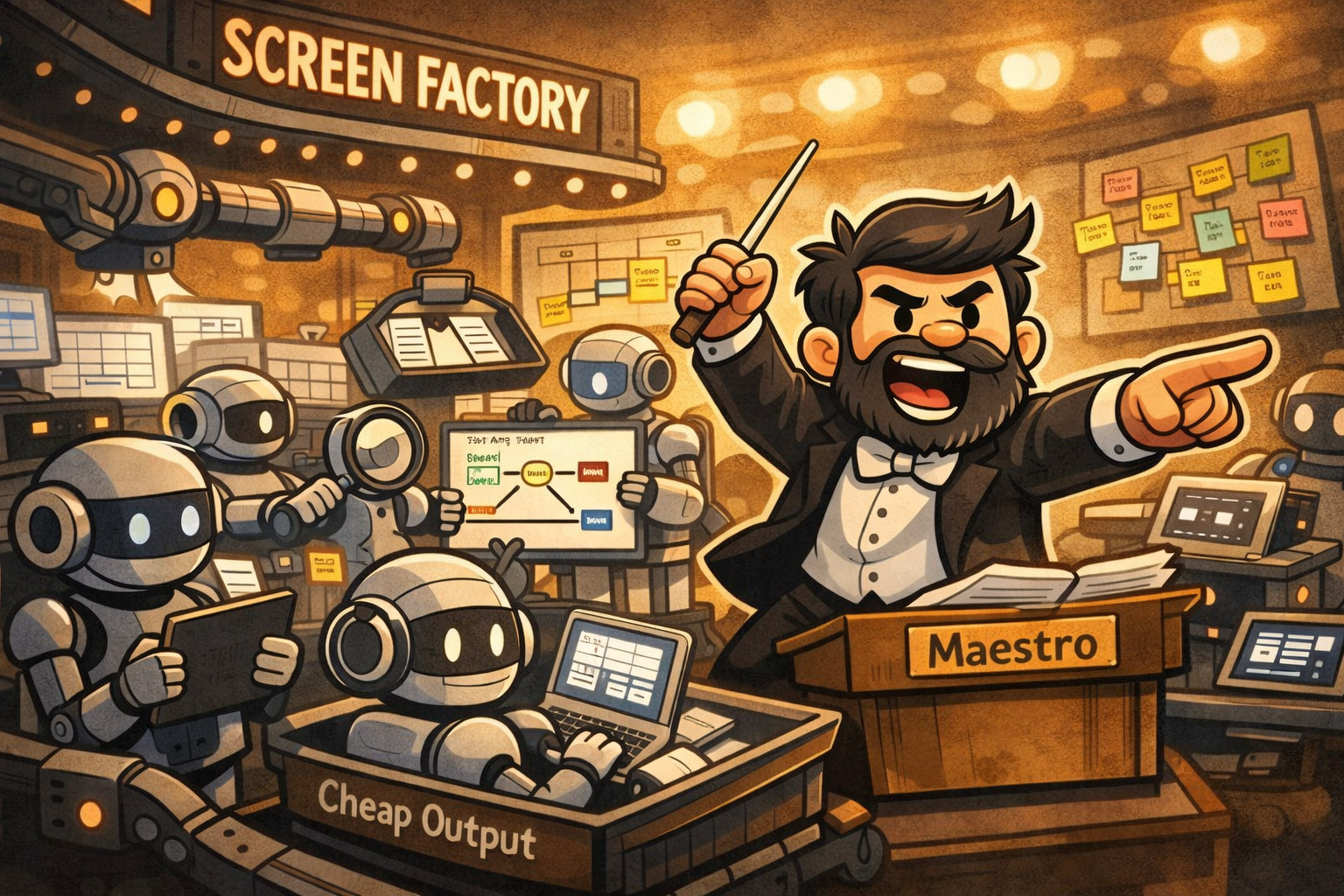
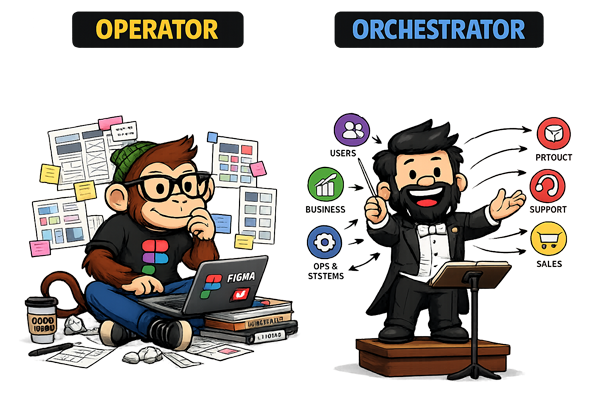
The operator is anchored to output. Ask how they'd approach a problem and the answer begins with a tool: "I'd do it in Figma." That instinct isn't laziness; it's the natural result of years in a system that rewards delivery. Operators execute requests, optimise at the interface level, and ask: how do I make this? They are skilled, often very skilled. But their frame starts at the solution.
The orchestrator starts earlier. They ask: what are we actually solving? They shape the problem before touching any tool, and they know that the most valuable intervention is often reframing the brief itself.
At Gavelytics, a legal intelligence platform, I developed a reputation for a particular move. The team would arrive with a feature request; something concrete, scoped, ready to design. I'd step back. I'd go on what became a predictable kind of rant: who is this user, what are they actually trying to accomplish, what are they experiencing right now that makes them need this at all? The output was usually a simpler, more abstracted solution than the one originally asked for. Engineering started calling these "Edgar moments." Not because they were unusual, but because they were reliable. That pattern earned a seat at the decision-making table; not the delivery table, the decision-making table.
The tell for operator-mode is the instinct to reach for the tool before reaching for the question. "I'd do it in Figma" is a perfectly good answer to how. It is not an answer to whether.
Operators ask: how do I make this? Orchestrators ask: what are we actually solving? AI doesn't kill the operator. It replaces them. The orchestrator becomes more valuable precisely because AI has absorbed the execution gap.
AI doesn't kill the operator. It replaces them. When the cost of production collapses, the value of pure execution collapses with it. What remains valuable is the judgment that precedes execution; knowing what to build, why, and for whom. That judgment is the orchestrator's domain.
Intent Is the Skill
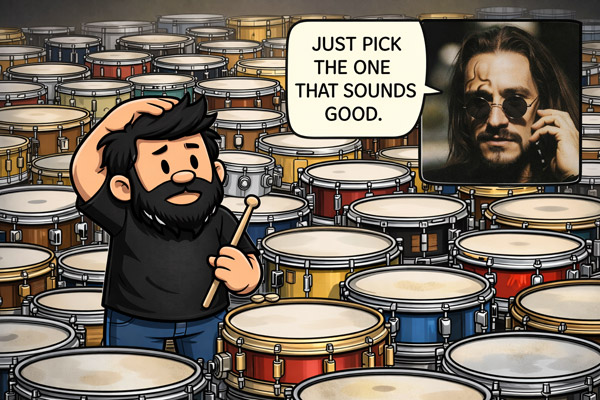
I once asked my drums teacher what snare I should buy. He said: "Listen to them and pick the one you like." Reasonable advice. Except when you don't know what you're listening for, they all sound the same. The guidance was useless not because it was wrong, but because it assumed I already had taste; a point of view about what I was trying to achieve.
AI makes this visible in design at scale. Generate ten layout variations and feel nothing; no clear pull toward one over the others; and what that reveals is not a preference problem. It's an intent problem. You don't know what you're optimising for. Conversely, eliminate nine variations in under a minute — confidently, with reasons — and you've demonstrated something no prompt can replicate: clear intent before the tool ran.
AI doesn't make design easier. It makes taste visible. And intent is where taste starts.
What does the orchestrator profile actually look like? I trained as an electronics engineer; which means I understand the systems being orchestrated, not just the surfaces they produce. My MSc spanned business and computer science; training in abstraction across domains before I had a name for why that mattered. Early in my career I was mapping Lean UX processes using BPMN notation; I had formal vocabulary for flows before diagramming how work moved became fashionable in product circles. I have ADHD, which turns out to be relevant: when linear screen-by-screen production feels like friction, you build systems to handle the problem instead. And the instinct I used to describe (only half-jokingly) as being "a psychologist of software applications" is better understood as diagnostic instinct; the habit of reading what a piece of software reveals about the organisation that built it, before touching the interface at all.
These aren't personality quirks. They are the orchestrator profile. The instinct to abstract before executing, to map the system before touching the interface, to ask what the user is experiencing rather than what the client is requesting; those habits predate AI. AI just made them the differentiator.
From Screens to Systems
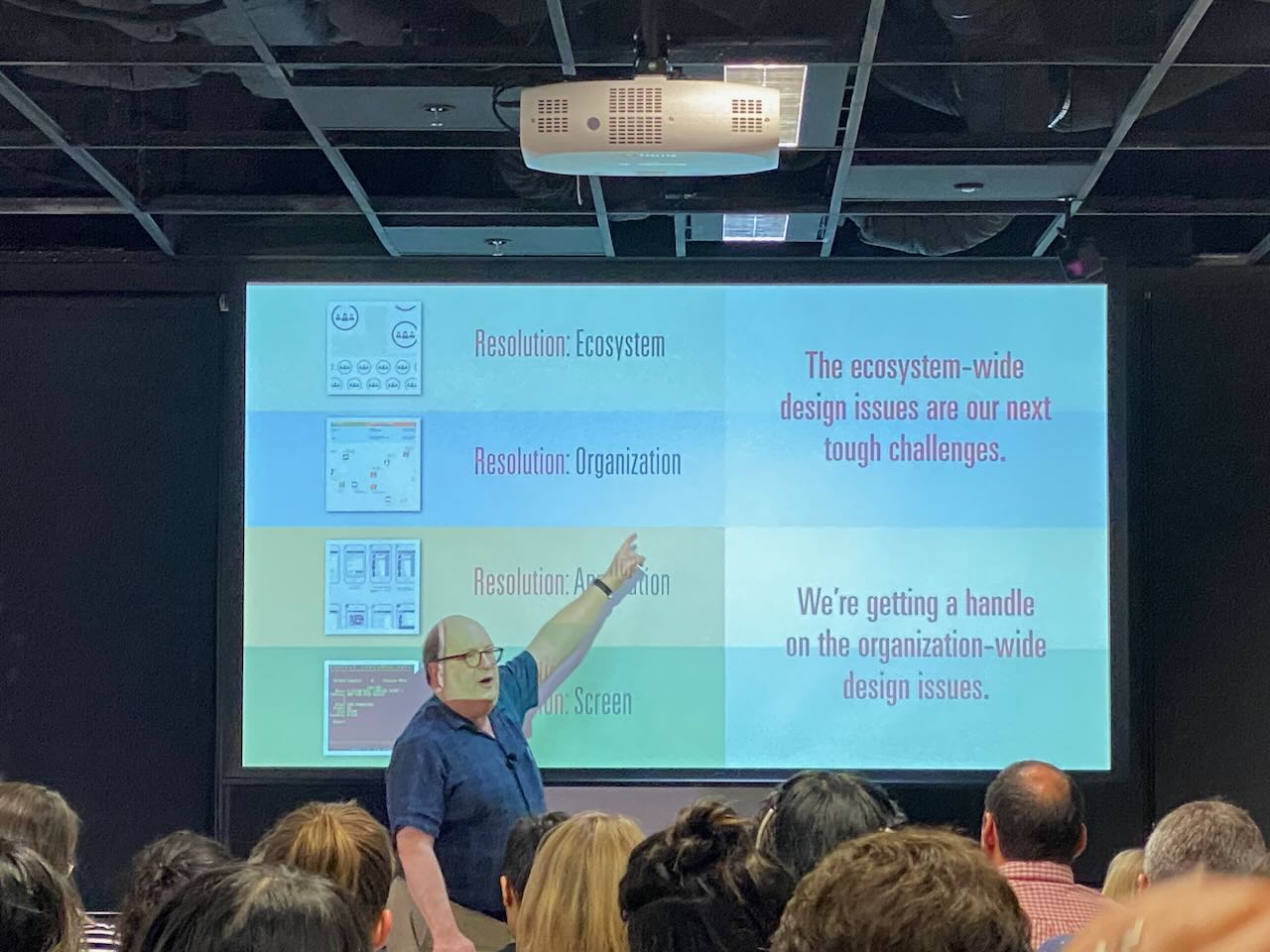
In 2019, Jared Spool described what he called four design resolutions: Screen, Application, Organisation, and Ecosystem. Each level up represents a broader aperture; a wider frame for what design is responsible for.
Most UX/UI designers still operate at Application level. Service designers operate at Organisation. The direction of travel, as products become more interconnected and user journeys more fragmented, is upward. Not because screens stop mattering, but because screens alone stop being sufficient.
AI accelerates this shift by commoditising the lower levels. It doesn't need a human to produce a modal; it does need a human to decide whether a modal was the right intervention in the first place. Execution at screen level is increasingly automated. Judgment at system level is not.
The label "UX/UI" has always been a compression. UX is about behaviour, decisions, journeys; the shape of the experience over time. UI is about representation; what the interface looks like and how it communicates. When bundled into a single role, UI becomes the visible proxy for UX, because UI is what gets delivered, reviewed, and shipped. The thinking that preceded it becomes invisible. AI has simply made that conflation impossible to ignore. When the interface can generate itself, what's left is everything that had to be true before the interface existed.
Spool's four resolutions are not just a taxonomy of scope; they are a description of how the orchestrator moves. A designer operating at Organisation or Ecosystem level is not doing more of the same work at greater scale. They are working across the system: aligning stakeholders, shaping constraints, deciding where coherence matters and where variation is acceptable. That is the orchestrator job description. And it is the structural version of a deeper problem: organisations resist coherence by default, and the orchestrator is the response to that resistance.
The practical consequence for anyone reading this: if your value is legible only at the screen level, AI is not a tool that augments your work. It is a candidate for your role. The question worth sitting with is not whether you can use AI to produce faster; it is whether you can operate at the level where AI still needs a human to tell it what the problem is.
How to Become an Orchestrator
Same brief. Two designers.
The brief: redesign the onboarding flow. Drop-off is high; users aren't activating.
Designer A opens Figma. Starts with the welcome screen. Moves to step two. Considers whether the progress bar should show three steps or five. By end of day, there are twelve wireframes and a handoff file.
Designer B opens a blank document. Maps the current flow end-to-end using user story mapping — not the screens, the process: every activity the user moves through, every task underneath it, every moment where the system asks something of the user. Twenty minutes in, a pattern appears. Two of the seven onboarding steps exist not because users need them but because the data team requested them during a sprint two years ago. The drop-off isn't a design problem. It's a requirement problem.
Designer B's recommendation: remove steps four and five entirely. Cut the flow from seven steps to four. No redesign needed. The screens come last; and they take half a day.
One of these designers is operating. The other is orchestrating.
The shift between them isn't talent. It's method. Here's the method.
1. Map the end-to-end process
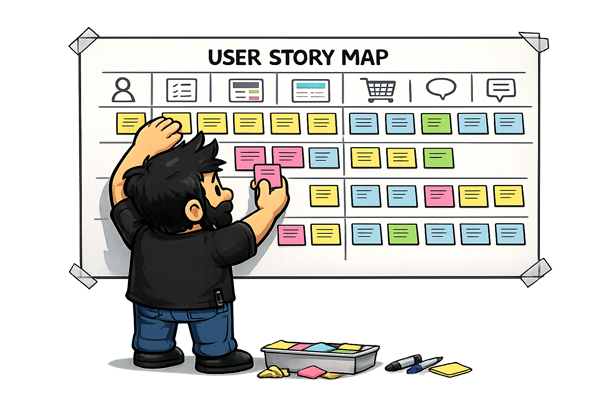
Before you open any design tool, lay out the full journey. Not your slice of it. All of it. Who touches this process? Where does it start? Where does it actually end — for the user, not for the product team?
Start with user story mapping (Jeff Patton's method). It's the most natural entry point for designers: you map the user's activities across the top as a narrative spine, then break each activity into the individual tasks underneath, then slice horizontally into releases. The structure forces you to think in journeys and priorities rather than in screens. It's immediately legible to product managers and engineers, and it makes scope negotiation a visual conversation rather than an argument.
Once you have the user journey mapped, BPMN (Business Process Model and Notation) is the complementary tool for modelling what the organisation is doing behind the scenes. It isn't a designer's tool by origin — but that's exactly why it earns its place: it exposes decision points, handoffs between teams, and the organisational logic underneath the interface. For service design work especially, a BPMN diagram translates directly into a service blueprint; it bridges what the user experiences with what operations, engineering, and support are actually doing to make that experience possible.
2. Define intent upfront
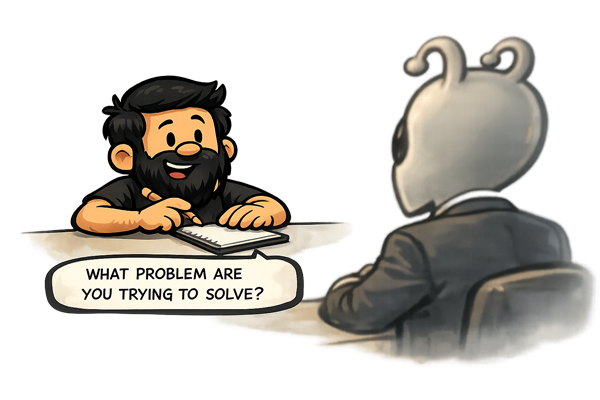
What is this actually for? Write it down before the first wireframe, the first component, the first prompt. Not the feature description. The intent. What does success look like for the user? For the business? Where do those two things align — and where do they tension against each other?
This sounds obvious. It is almost never done. Most briefs describe deliverables, not intent. Your job is to extract the intent before you respond to the deliverable.
If you can't state the intent in two sentences, you don't understand the problem yet.
3. Insert feedback loops at every step
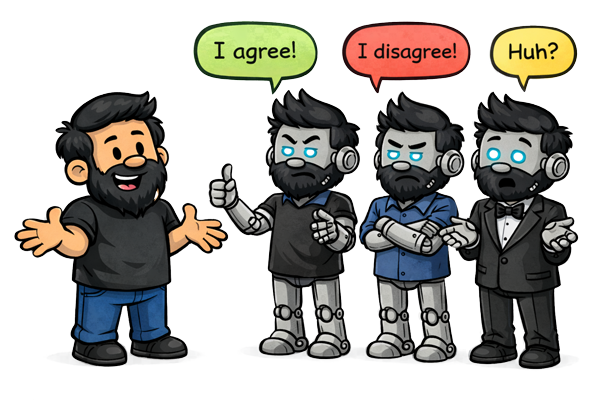
Orchestrators don't present finished work. They create checkpoints. A process map shared early catches misalignment before it's baked into fifty screens. A rough prototype tested with two users on Thursday changes the direction before the team commits on Friday.
The loop isn't bureaucracy. It's the mechanism by which decisions stay reversible. The further you get without a loop, the more expensive every correction becomes.
Design your feedback loops the same way you design your flows: intentionally, at the start, not as an afterthought when something goes wrong.
4. Use AI as collaborator, not generator
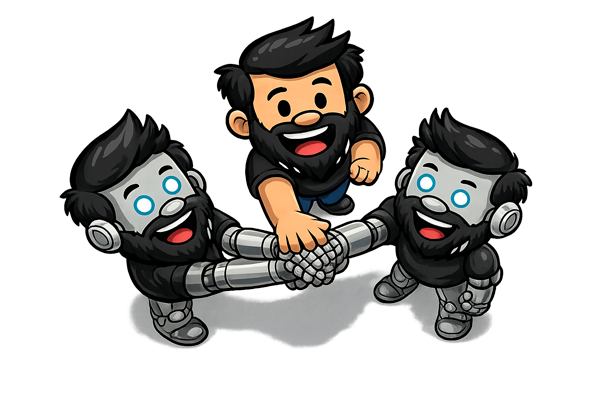
There is a specific failure mode emerging right now: designers using AI to produce outputs faster without changing anything about how they think. This is not leverage. This is acceleration of the same problem.
AI is genuinely useful for the thinking work. Ask it to role-play a sceptical stakeholder. Ask it to steelman the opposing brief. Ask it to identify the assumptions baked into your process map. Ask it what you're not asking. Use it to pressure-test your logic before you commit to a direction.
The designers who will thrive aren't the ones who generate the most with AI. They're the ones who use AI to find the gaps in their own reasoning.
For juniors, specifically
If you're early in your career, this is genuinely good news. You don't have to unlearn anything. You can build foundations that seniors are now scrambling to retrofit.
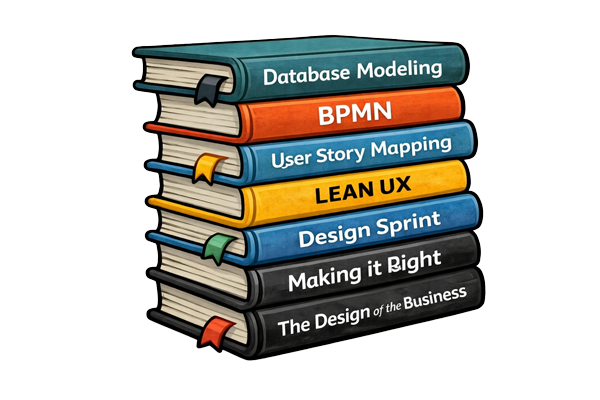
Learn user story mapping. Jeff Patton's book User Story Mapping is the canonical resource; it's short, practical, and immediately applicable. It teaches you to think in user activities and journeys — the abstraction layer above screens where the real decisions live. Once you're comfortable with it, add BPMN (Business Process Model and Notation) as a second layer: it gives you a formal vocabulary for modelling organisational processes, handoffs, and service blueprints, and a shared language with operations, product, and engineering that Figma files simply don't provide.
Learn basic database modelling. Not because you'll be writing SQL (though that helps), but because understanding how data is structured makes you fluent in the language engineers think in. It makes "vibe coding" — building quick prototypes with AI assistance — dramatically more effective, because you understand what you're actually building, not just what it looks like. It also stops you from designing flows that are structurally impossible to implement.
Build your own tools. Automate your own processes. If you're running the same research synthesis workflow every project, script it. If you're formatting the same handoff documentation every sprint, template it. The skill of identifying repetitive work and removing it from your own process is the same skill that makes a good orchestrator.
Keep a decision log. Not a file of final outputs — a running record of what you decided, why, and what you ruled out. After six months, this becomes one of the most valuable assets you own. It's how you develop genuine design judgement rather than pattern-matching to whatever you made last time.
I've collected the starting points here: user story mapping resources, BPMN primers, database modelling guides, and the tools I actually use — eam.mx?tag=orchestrator-resources.
The Craft Question
The natural objection to everything above: if the job is now systems and outcomes, does craft still matter? It does. More than ever — just differently than before.
Let's address it directly: no, AI is not killing craft.
It's removing the illusion of it.
Craft was always about judgement. Knowing which of ten options is right — and being able to articulate why. Knowing when to break the grid. Knowing what a user is afraid to say aloud in a research session, and knowing how to design for that unspoken thing.
None of that is threatened by generative tools. What's threatened is the ability to hide behind production effort.
For a long time, the volume of work — forty hours building something — obscured whether the thinking behind it was any good. You could spend a week on a mediocre solution and the week of effort would stand in for quality. AI produces mediocre in four minutes. The gap is now visible. The scaffolding is gone.
This is clarifying, not destructive.
Real craft compounds in ways that were always true but are now more consequential. The designer who builds the system others work within. Who writes the prompt that surfaces the right ten options rather than ten random ones. Who asks the question that reframes the brief before a single screen is drawn. Who facilitates the session that aligns six stakeholders in ninety minutes and saves three months of rework.
That work was always the hard part. It was just easier to overlook when everyone was busy producing screens.
I've lived this argument directly — building a full product with AI from brief to shipped. The craft didn't disappear; it relocated. That experience is unpacked in the companion post at the end of this piece.
|
The Inevitable Shift
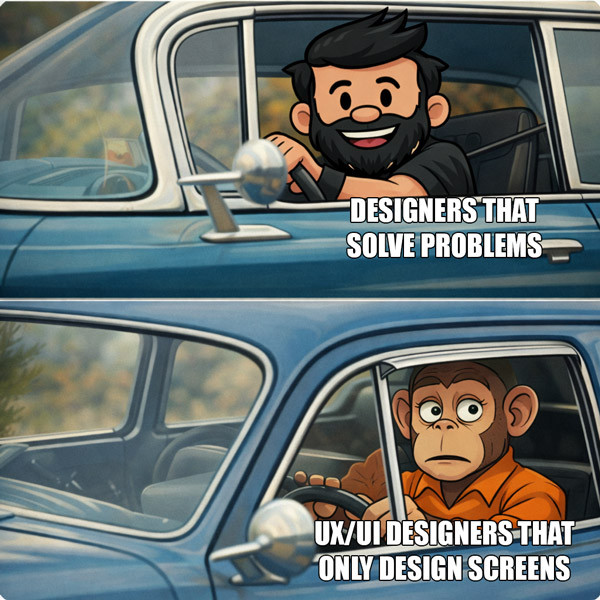
The designers who code and the engineers who design are about to converge. AI is the solvent. The boundary between those roles was always somewhat artificial — a product of tooling constraints and organisational habit, not a genuine difference in what the work required. Those constraints are dissolving.
What remains when the boundary goes is whoever was doing the thinking.
Orchestrators aren't a new type of designer. They've always existed. They were just harder to see when everyone was busy producing screens; the output obscured the process. Now the output is nearly free, the process is the differentiator, and the orchestrators are suddenly visible.
The shift isn't from UX to something new. It's UX returning to what it was supposed to be: the intentional act of solving problems for people, in a way that is both functional and meaningful. Screens were always the artifact. They were never the skill.
So here's the only question that matters right now: when you get a brief, what's the first thing you reach for?
If your first instinct is to reach for a tool, try this instead: open a blank document and map the problem in two sentences — who needs what, and why it matters — before you touch anything else. That is where intent lives.